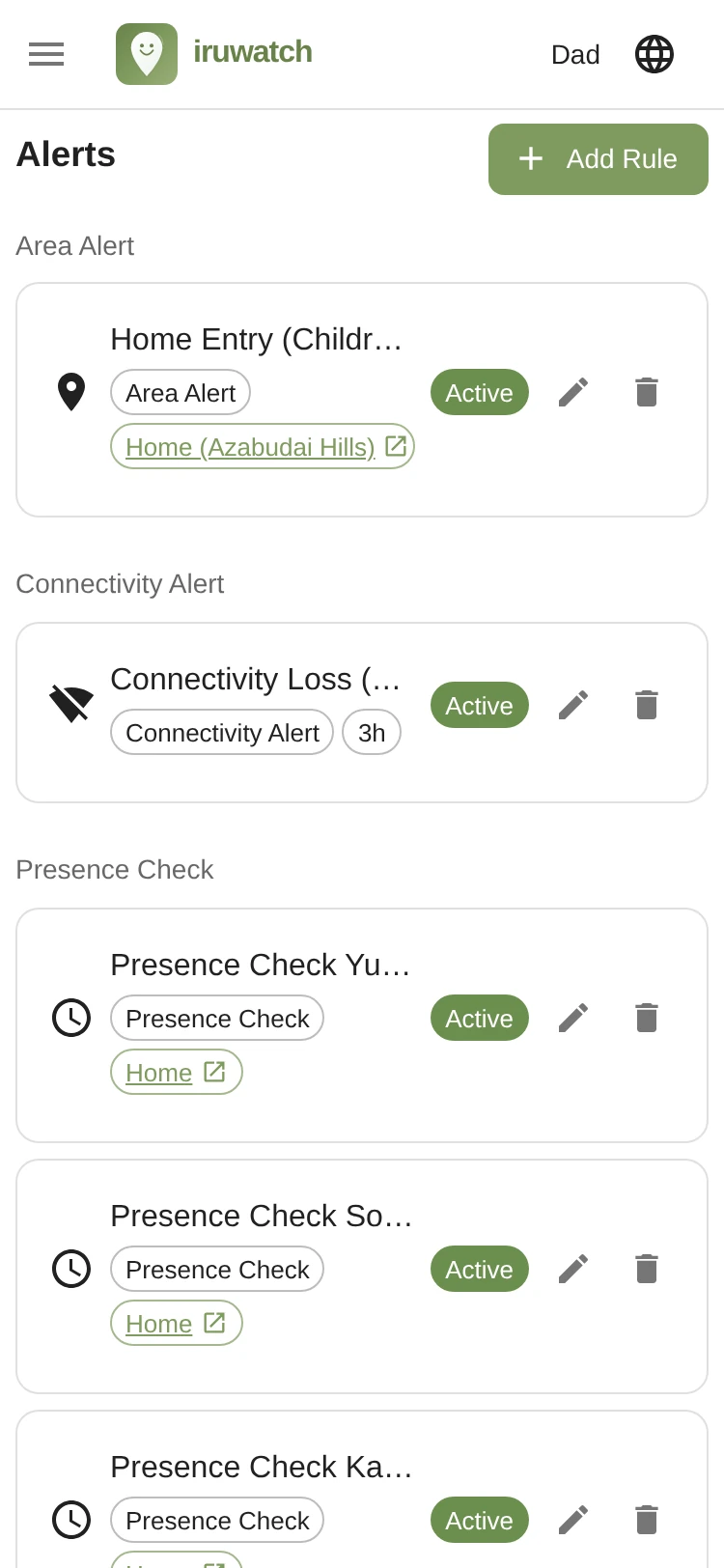
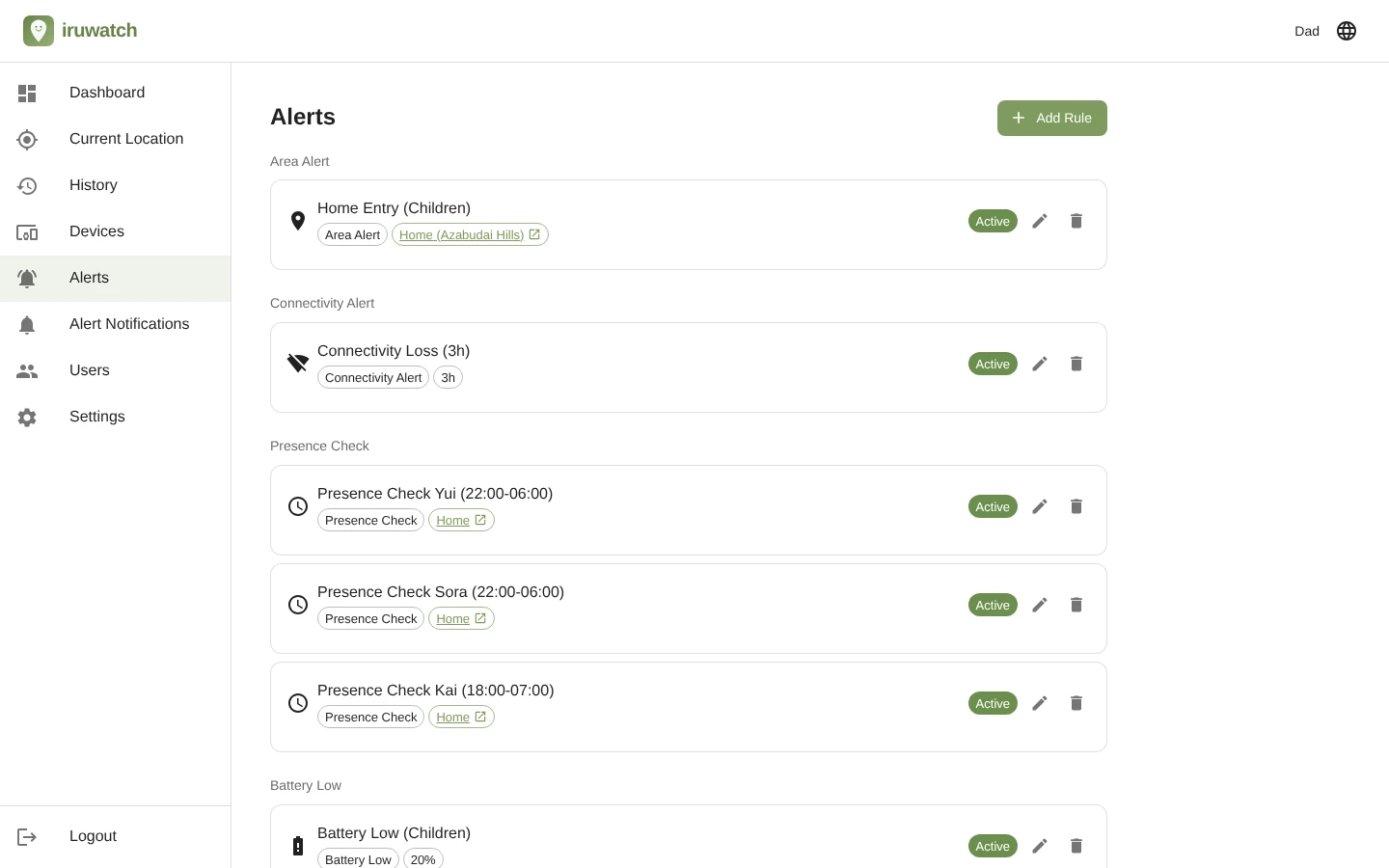
Each alert type offers the settings below. The available ranges match the actual app specification.
Detect entry and exit on map areas you specify, such as school, home or workplace. Confirm in real time when someone safely arrives at school or leaves home.
| Setting | Range / Value |
|---|---|
| Area center (lat/lng) | Specify on map or enter latitude/longitude directly (7 decimal places, ~1.1 cm accuracy) |
| Area radius | 10 m – 100 km |
| Trigger event | Entered / Exited (multiple selection allowed) |
| Cooldown | 1 minute – 1 week |
| Consecutive-detection threshold | 1 – 100 times |
Detect when a device stops reporting its location for a configured period. Spot unusual situations such as being out of range, powered off or the app being killed.
| Setting | Range / Value |
|---|---|
| No-response window | 1 hour – 365 days |
| Trigger event | Lost / Restored (multiple selection allowed) |
| Detection method | Scheduler runs periodic checks at least every 5 minutes (skipped if the previous check is still running; cooldown and consecutive-detection settings are not required) |
Check whether a device is inside or outside a designated area during specific hours — e.g. “home by 22:00 on weekdays” or “should be at the office during the day” — and notify you accordingly.
| Setting | Range / Value |
|---|---|
| Area center (lat/lng) | Specify on map or enter latitude/longitude directly (7 decimal places, ~1.1 cm accuracy) |
| Area radius | 10 m – 100 km |
| Monitoring window | Up to 10 slots (day of week + start/end time HH:MM) |
| Timezone | Evaluated using an IANA timezone (e.g. Asia/Tokyo) |
| Trigger event | Absence detected / Absence resolved (multiple selection allowed) |
| Cooldown | 1 minute – 1 week |
| Consecutive-detection threshold | 1 – 100 times |
Get notified when a device drops below the battery level you set, so you can encourage charging before you lose contact while they are out.
| Setting | Range / Value |
|---|---|
| Battery threshold | 1% – 100% |
| Trigger event | Dropped / Recovered (multiple selection allowed) |
| Cooldown | 1 minute – 1 week |
| Consecutive-detection threshold | 1 – 100 times |
| Note for iOS | iOS 17 and later reports battery level in 5% increments, so setting the threshold to a multiple of 5 is recommended |
Notifies you when location access is no longer allowed in the device settings, or is restricted from always-allow to only-while-using-the-app. Prevents situations where watching quietly stopped without you noticing.
| Setting | Range / Value |
|---|---|
| Trigger event | Permission off / Permission restored (multiple selection allowed) |
| Detection method | Detected the moment a permission change is received |
| Note | Changes to the location permission may be detected with a delay, or the app itself may be unable to detect the change at all, so for monitoring consider also using the Connectivity Alert |
Get notified when a device moves faster than the speed you set. Useful for promoting safe driving or catching unexpected high-speed movement.
| Setting | Range / Value |
|---|---|
| Speed threshold | 1 – 500 km/h |
| Trigger event | Exceeded / Recovered (multiple selection allowed) |
| Cooldown | 1 minute – 1 week |
| Consecutive-detection threshold | 1 – 100 times |
| Note | The displayed speed is based on the speed detected by the device and depends heavily on device performance, location accuracy, and the surrounding environment. It may differ from the actual speed, so do not rely on this value alone for safety-related decisions |
| Setting | Range / Value |
|---|---|
| Rule name | Up to 255 characters, freely configurable |
| Target devices | Apply to all devices at once, or select individual devices |
| Notification channel | Email (one channel assigned per rule) |
| Enabled / Disabled | Toggle ON / OFF per rule |
Alerts can be received by email and app notification. Assign a notification channel to each rule.
Send to up to 10 email addresses per rule — ideal when you want every family member to receive the alert at the same time. You can also choose the language for notification emails.
Deliver notifications directly to devices that are logged in to the iruwatch app. They arrive even when the app isn’t running, so just choose which family members (recipients) receive them and notice alerts quickly without using email. Choose a notification level of “Priority” or “Normal” so you can handle alerts you don’t want to miss differently from those you’d rather receive quietly.
Fine-tune detection so you never end up overwhelmed by noisy alerts.
Every triggered alert is recorded in the event history. Filter by device, rule, event type, and date range to review past events.