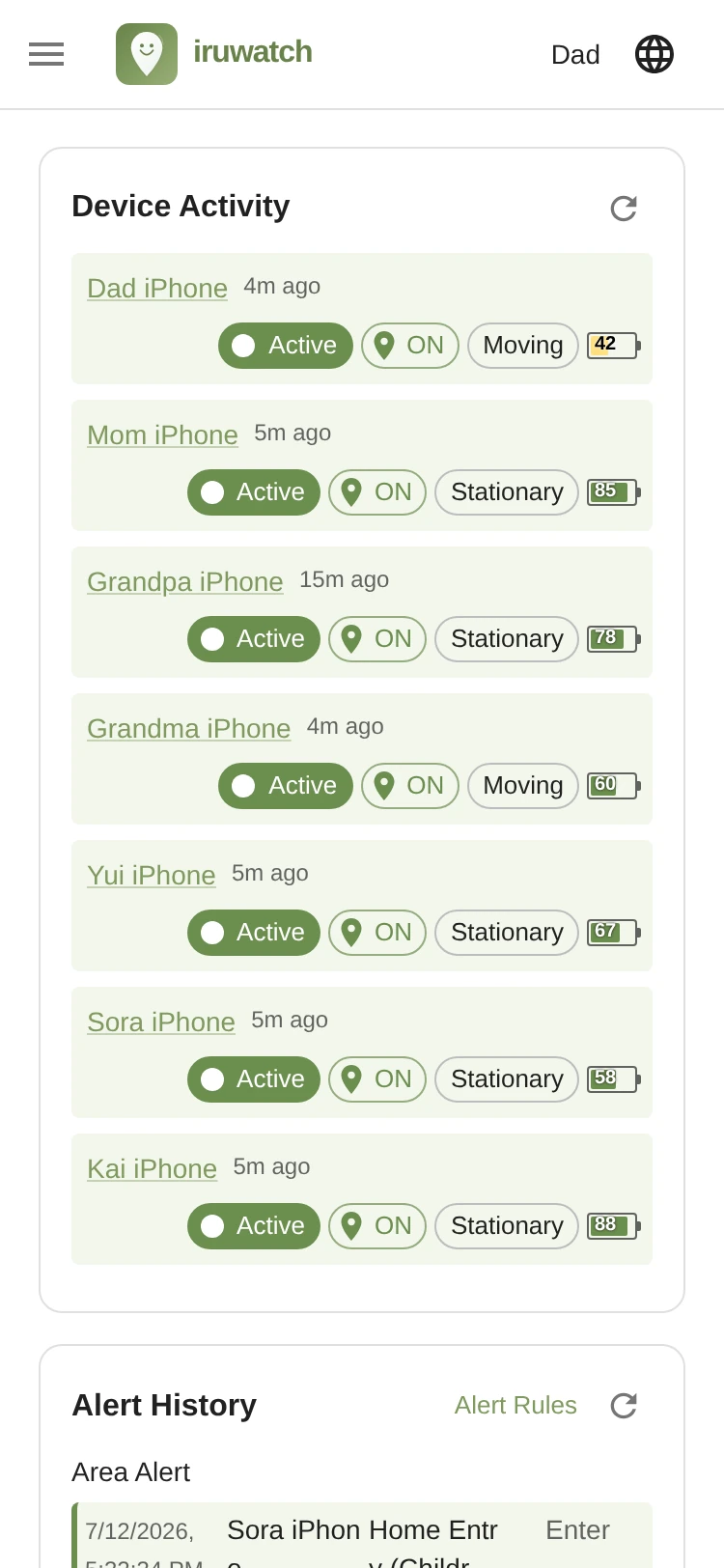
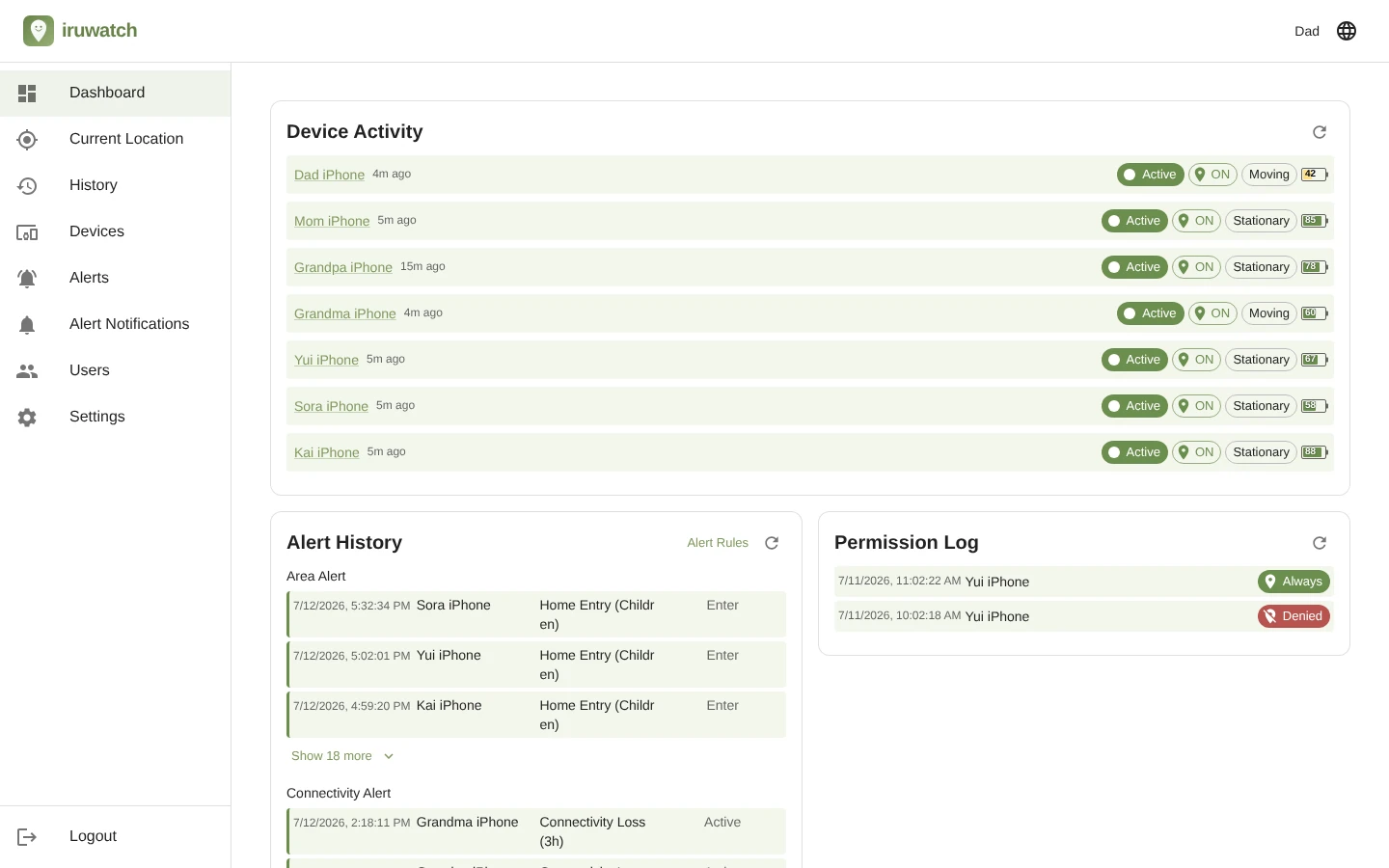
See each device's last contact time, location-permission on/off, and motion state (moving / stationary) on one screen. Open its current location in Google Maps (in your web browser) with a tap on the link.
Shows the history of events detected by the alert features available on paid plans, grouped by alert type in chronological order. Look back on recent alerts — area entries/exits, presence checks, and more — right from the dashboard.
Lists the records of detected changes to each device's location permission. Follow how the permission state shifts — always-allow, only-while-using-the-app, don't-allow, and so on — in chronological order. The exact labels differ between iOS and Android.
※ Changes to the location permission may be detected with a delay, or the app may be unable to detect the permission change at all.